All games
Wing Commander Keyboard Controls
On the original PC and Amiga Wing Commander, Tab is afterburner, Space fires guns, and Enter fires a missile. In Wing Commander III, Alt+O opens the in-flight options, where you also enable a joystick. Every row below is the wcnews CIC transcription. It is one source.
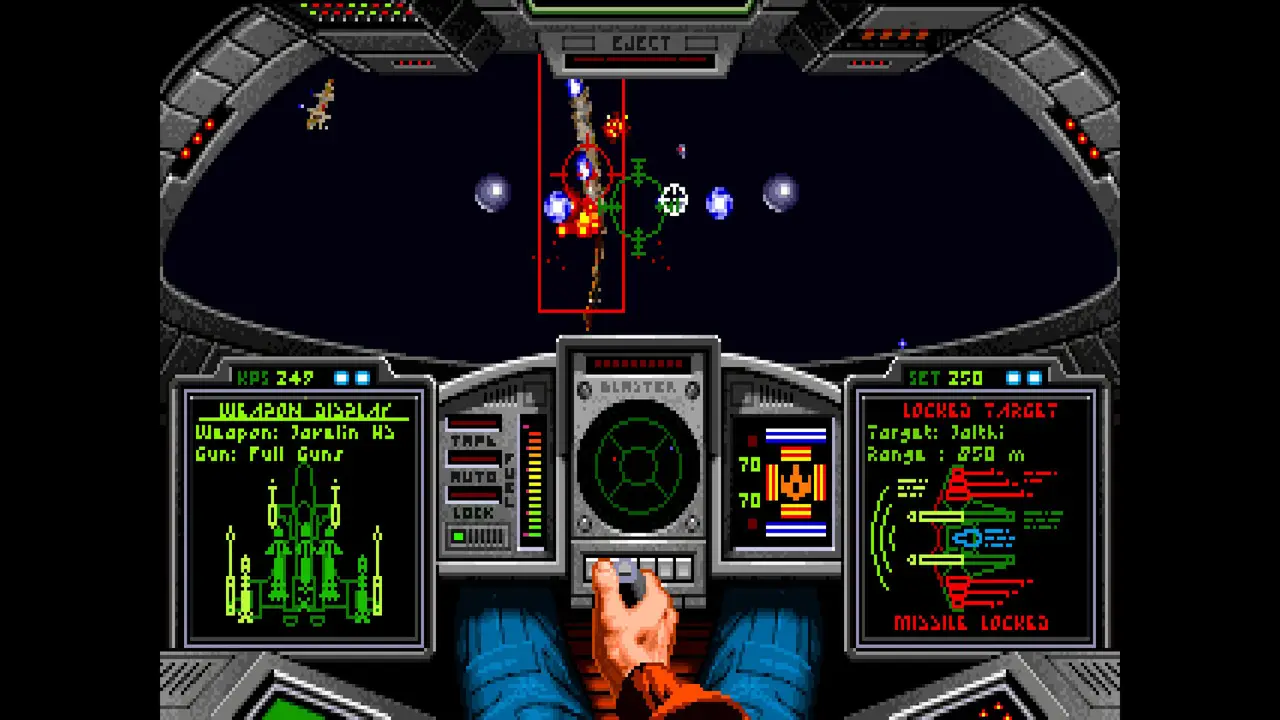
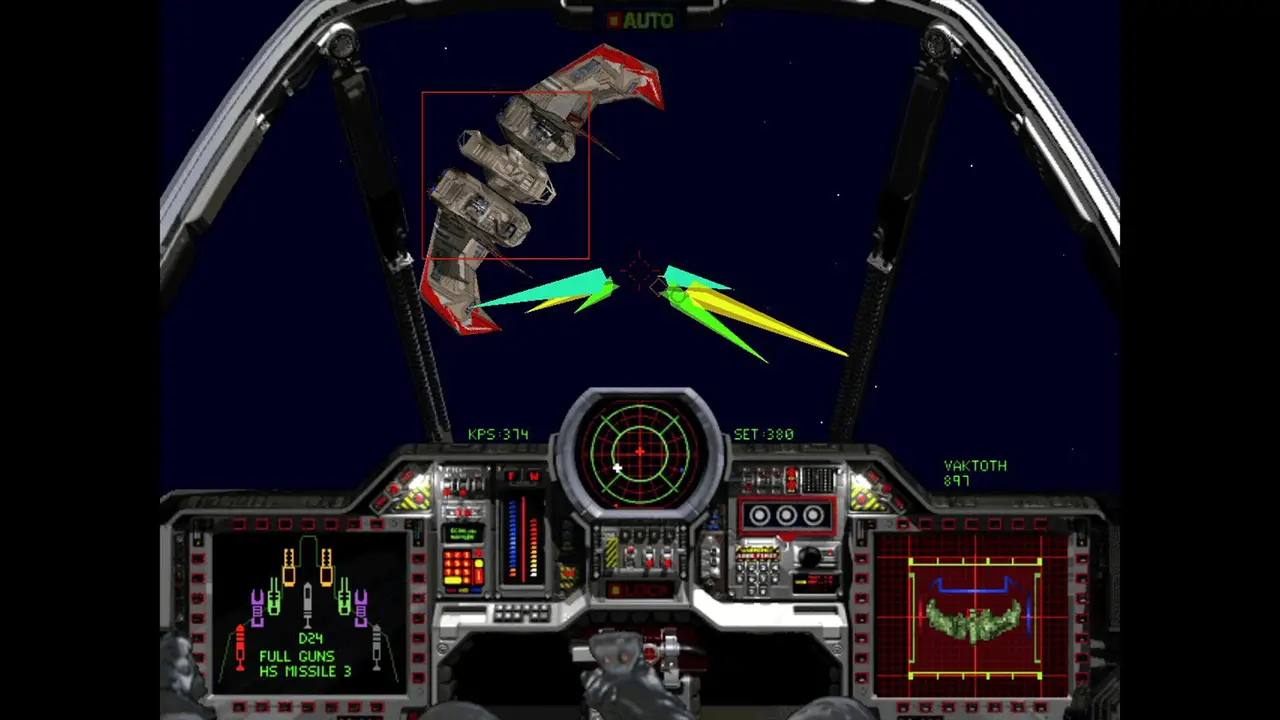
What changes after the first game
Wing Commander II copies the first game's combat keys and adds Jump on J. Wing Commander III moves cycle-weapons from W to M, adds a second afterburner toggle on the backtick, full speed on tilde, match-speed on Y, decoy on E, full guns on F, and cloak on Ctrl-C. A joystick is selected in flight with Alt+O. Text entry still needs the keyboard.
Privateer, Wing Commander IV, Prophecy, Armada, Privateer 2 and Arena each have their own columns on the same CIC page. I am not retyping those grids from memory. Use the anchors on wcnews.com/controls.shtml for the pad layouts (3DO, PlayStation, GBA). The 2026 editions add about 20 controller presets, which is a different layer on top of these DOS keys.
| Action | Key |
|---|---|
| Afterburner | Tab |
| Fire guns | Space |
| Fire missile | Enter |
| Accelerate / decelerate | + / − |
| Full stop | Backspace |
| Look forward / left / right / behind | F1 / F2 / F3 / F4 |
| Chase / battle / tactical / missile / tail | F5 / F6 / F7 / F8 / F9 |
| Cycle weapons / guns / targets | W / G / T |
| Lock | L |
| Damage display | D |
| Autopilot | A |
| Comms | C |
| Nav map | N |
| Eject | Ctrl-E |
| Action | Key |
|---|---|
| Toggle afterburner | ` (backtick), Tab still afterburner |
| Full speed | ~ |
| Match target speed | Y |
| Cycle weapons | M (not W) |
| Full guns | F |
| Drop decoy | E |
| Sync guns | Ctrl-G |
| All hardpoints | B |
| Cycle turrets | R |
| Jump | J |
| Cloak | Ctrl-C |
| Enable controller | Alt+O in flight (PCGamingWiki) |
Questions people ask
What key is afterburner?
Tab, on the PC/Amiga original and on Wing Commander III. WC3 also toggles it with the backtick.
How do I eject?
Ctrl-E on the original and on Wing Commander II.
How do I turn on a joystick in Wing Commander 3?
Alt+O during a mission, then pick the controller. The 2026 build also ships presets.
Sources
- wcnews: Controls and hot keys — checked 2026-11-08
- PCGamingWiki: Wing Commander III — checked 2026-11-08